
























Triple Display
-
Code:DS035
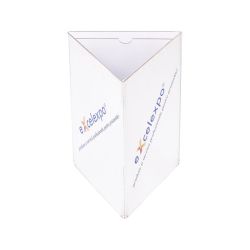
Desk acrylic display for 3 printings
Want us to contact you?

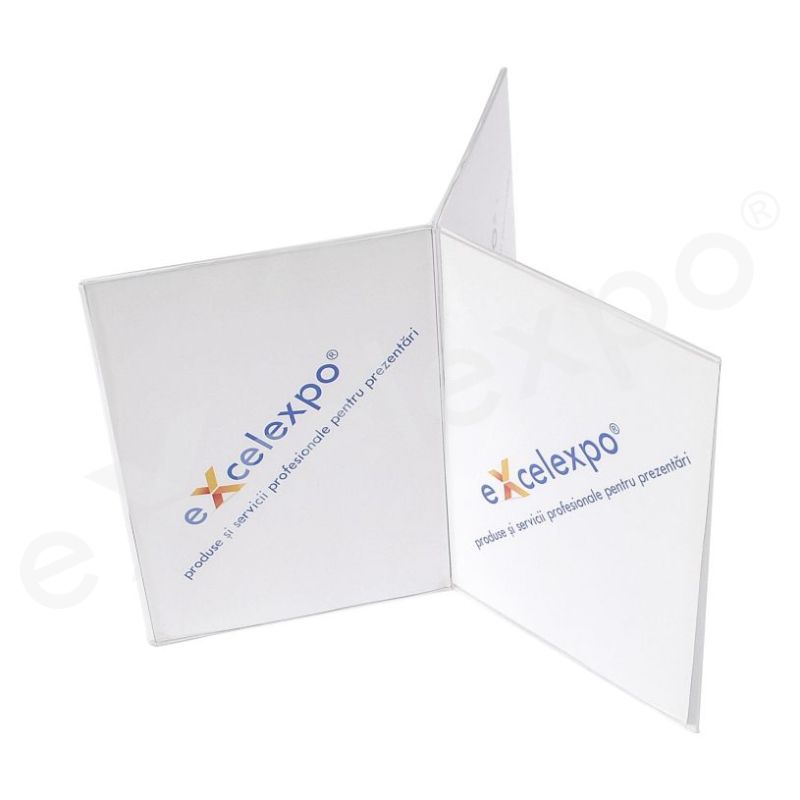

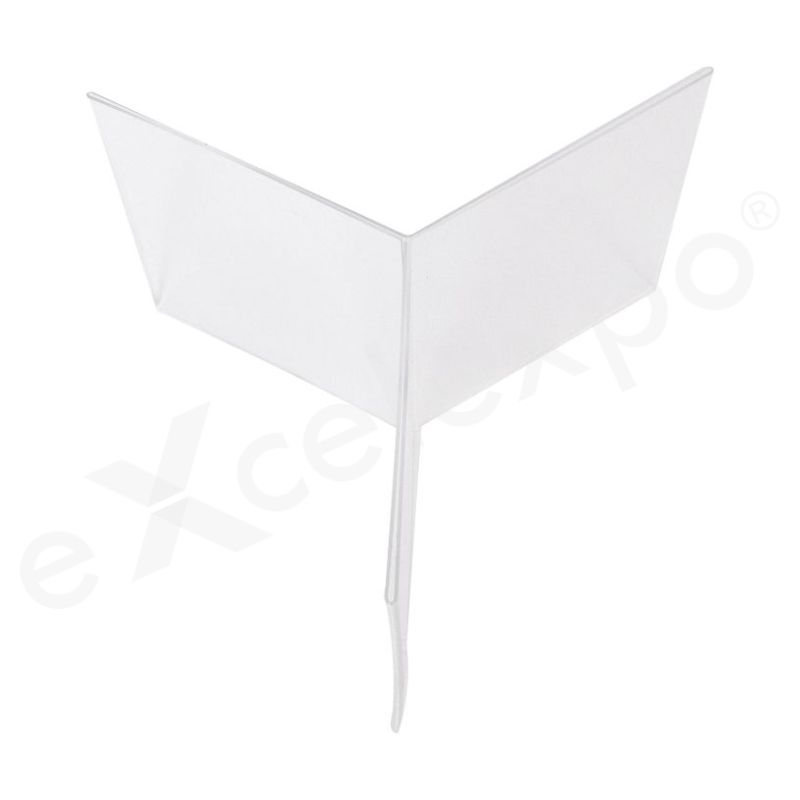
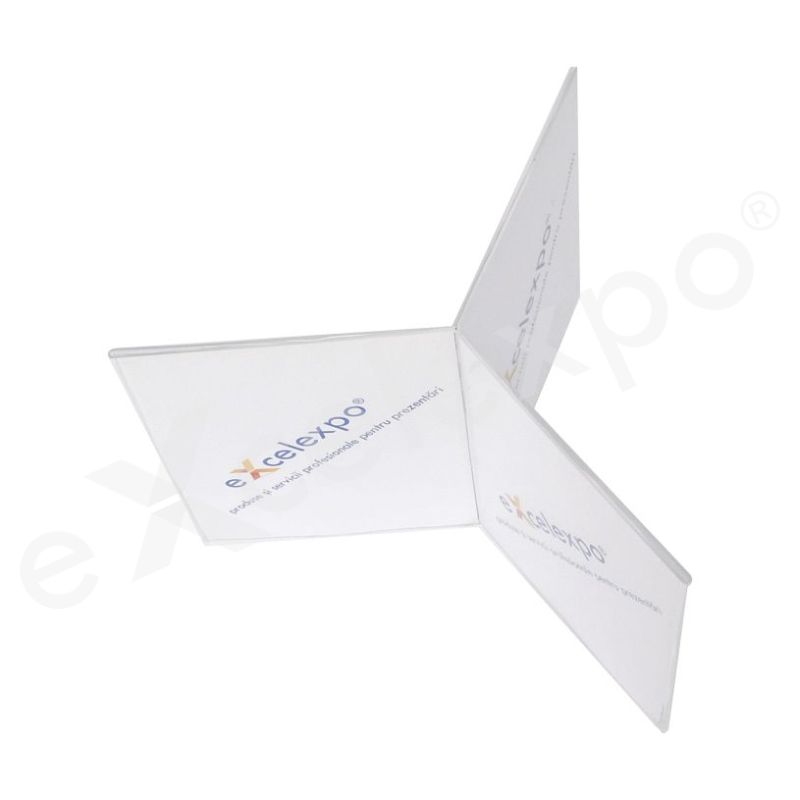
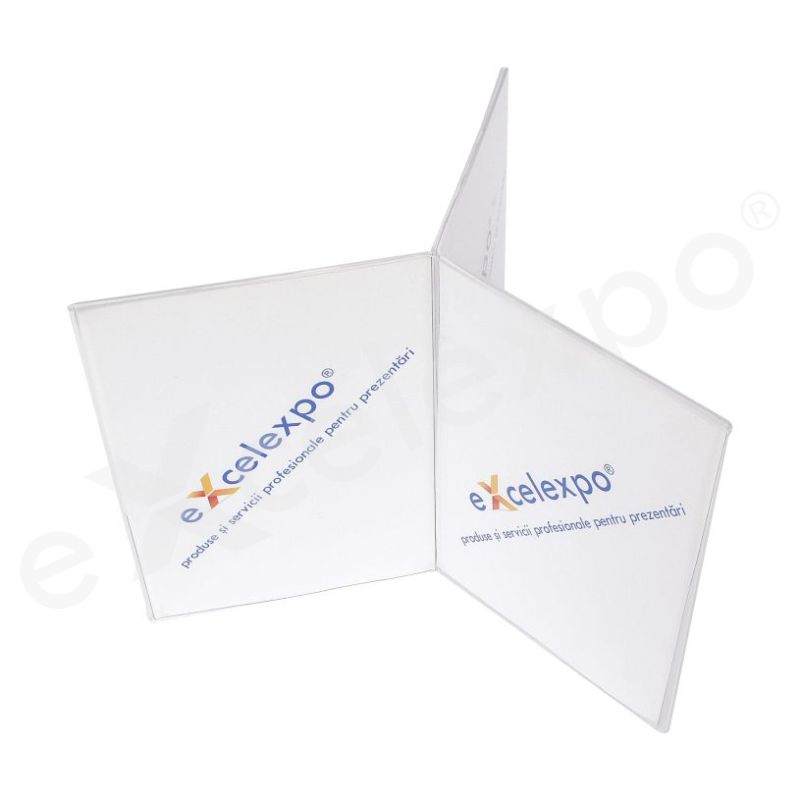
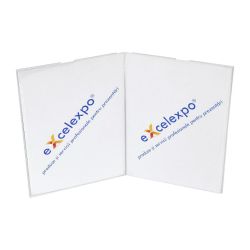
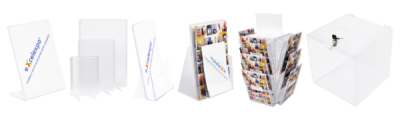
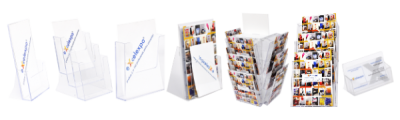
| Description: Triple Display is an acrylic triple display menu type used to present various information to the viewers. This support is made of transparent acrylic (plexiglass) of 2 mm shaped by thermoforming and it has three portrait pockets for double-sided prints/posters. This holder is a suitable display for pictures, information, or various prints on the tables, desks, or counters. |
| Advantages: In addition to other acrylic displays, Triple Display provides a triple exposure area and the print can be easily changed. |
| Graphics: material: printed paper / graphic layout size: 3 graphics simple or double sided - A4 (210x297mm) / A5 (148x210mm) / 1/3 A4 (99x210mm) (LxH) |
| Dimensions: assembled product: 37x30x37cm / 27x21x27cm / 20x21x20cm (LxHxW) |
| Package: wrapping: bubble folio and cardboard / package size: 40x35x40cm / 30x23x30cm / 23x23x23cm (LxHxW) / weight: 1Kg |
Delivery details
The products are available for delivery after the production period. The estimated production time is mentioned in the “Production" field.
Delivery fee:
- the delivery fee is at the courier company's rate. For orders placed on the website, the delivery fee is automatically calculated based on the weight after the delivery address is entered.
- for orders placed by email or telephone, the fee will be communicated in the quotation or order confirmation.
- alternatively, the client may choose to collect the products from the Excelexpo location, either directly or by their own courier company, during working hours (L-V: 09:00 – 17:30).
- for the rented products, the delivery fee applies for round-trip deliveries.
Delivery time:
- 1-2 working days, from the date of the products' completion for locations in Romania, outside Bucharest,
- 2-5 working days, from the date of the products' completion for locations in the European Union, depending on the country of destination.
For details, please access Excelexpo Delivery Terms.
Who it’s for
The Triple Display is designed for professionals and students seeking to enhance their productivity with an expanded workspace wherever they go.
It is ideal for:
- Remote Professionals and Digital Nomads who need a multi-monitor setup to efficiently manage complex tasks such as data analysis, programming, or graphic design, without being confined to a traditional office desk. This solution addresses the challenge of maintaining desktop-level productivity while working from various locations, from home offices to co-working spaces or while traveling.
- Multitasking Students and Researchers who require more screen real estate to simultaneously view research papers, lecture notes, coding environments, or multiple applications. This helps overcome the inefficiency of constantly switching between tabs on a single laptop screen, allowing for quicker comparison and synthesis of information during intensive study sessions or project work.
- Mobile Content Creators and Developers who frequently work on demanding projects like video editing, intricate coding, or detailed graphic design outside of a fixed workstation. The Triple Display provides the essential expanded visual area for timelines, code editors, or design layouts, enabling a more streamlined and efficient workflow on the go.
Key features
- Triple Display Output: Enables seamless connection to up to three independent external monitors simultaneously, providing an expansive multi-screen workspace for enhanced productivity and a broader visual experience.
Unique differentiators
The product description specifies "Triple Display" functionality. This capability is a significant feature, enabling users to extend their desktop across three independent screens. This expands the visual workspace, which can enhance productivity for tasks requiring multiple open applications or large datasets, such as complex data analysis, professional trading, content creation, or multi-window multitasking. The ability to manage distinct applications or views simultaneously across three displays can streamline workflows and reduce the need for constant switching between windows.
However, to provide a 'Unique Differentiators' section with superlative facts and a comparative table against 'Standard Alternatives,' specific product details such as the product name, its full technical specifications (e.g., display resolution, refresh rate, connectivity options, power delivery), and any associated images would be required. Without this verified information, it is not possible to identify unique differentiators, make specific comparative claims, or populate a table with accurate metrics for [Product Name] versus 'Standard Alternatives.'
Why this product
Why Choose Our Triple Display Solution?
Are you struggling with the limitations of a single screen, constantly switching between crucial applications and tabs? This common challenge often fragments your focus, reduces efficiency, and makes complex multitasking far more difficult than it needs to be.
Our Triple Display solution directly addresses this by expanding your visual workspace. It enables you to simultaneously view multiple applications, documents, and data streams across three distinct screens, significantly streamlining your workflow and boosting productivity.
This multi-display setup is widely recognized in professional environments as a direct contributor to enhanced operational efficiency. It's a proven method for reducing context switching and improving data synthesis, ensuring all necessary information is always within your immediate view.
Frequently Asked
Frequently Asked Questions about the Triple Display Monitor
Question: How do I set up my Triple Display Monitor with my laptop?
-> Answer: To set up your Triple Display Monitor, connect it to your laptop using the provided cables, typically USB-C or HDMI. Ensure your laptop's display settings are configured to extend or duplicate the desktop across the new screens. Drivers may install automatically or require a brief manual installation, expanding your workspace efficiently.
Question: What are the main benefits of using a Triple Display Monitor?
-> Answer: The main benefits of using a Triple Display Monitor include significantly increased productivity and improved multitasking capabilities. By providing expanded screen real estate, you can manage multiple applications simultaneously, view more data, and streamline workflows, enhancing efficiency for various tasks from coding to content creation.
Question: Is the Triple Display Monitor compatible with all laptop models?
-> Answer: The Triple Display Monitor is compatible with most modern laptops that feature USB-C (with DisplayPort Alt Mode) or HDMI output ports. Older laptops may require specific adapters. Always check your laptop's port specifications against the monitor's connectivity requirements to ensure full compatibility before purchase.
Question: Does the Triple Display Monitor require an external power source?
-> Answer: The Triple Display Monitor typically draws power directly from your laptop via a single USB-C cable for both video and power. Some models may offer an optional external power input for situations where the laptop's USB-C port cannot deliver sufficient power, ensuring stable operation.
Question: What features should I look for when choosing a Triple Display Monitor?
-> Answer: When choosing a Triple Display Monitor, look for features like screen resolution (e.g., Full HD 1080p), portability, and connectivity options like USB-C and HDMI. Adjustable kickstands or mounts, screen brightness, and overall build quality are also important considerations for durability and an optimal viewing experience.