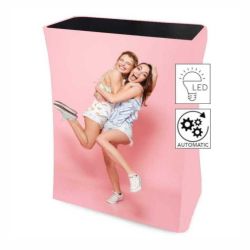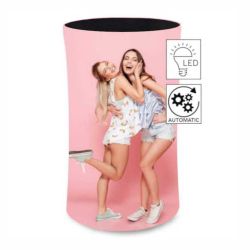










Desk Textil Pano
-
Code:IN090-3
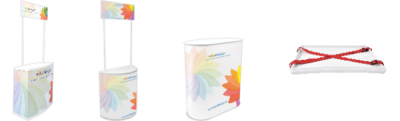
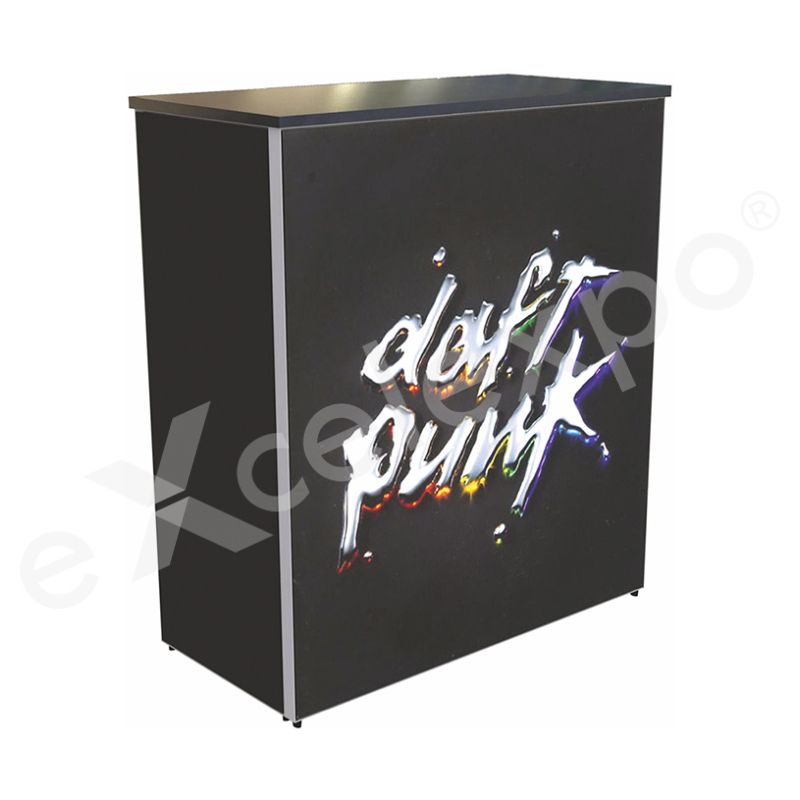
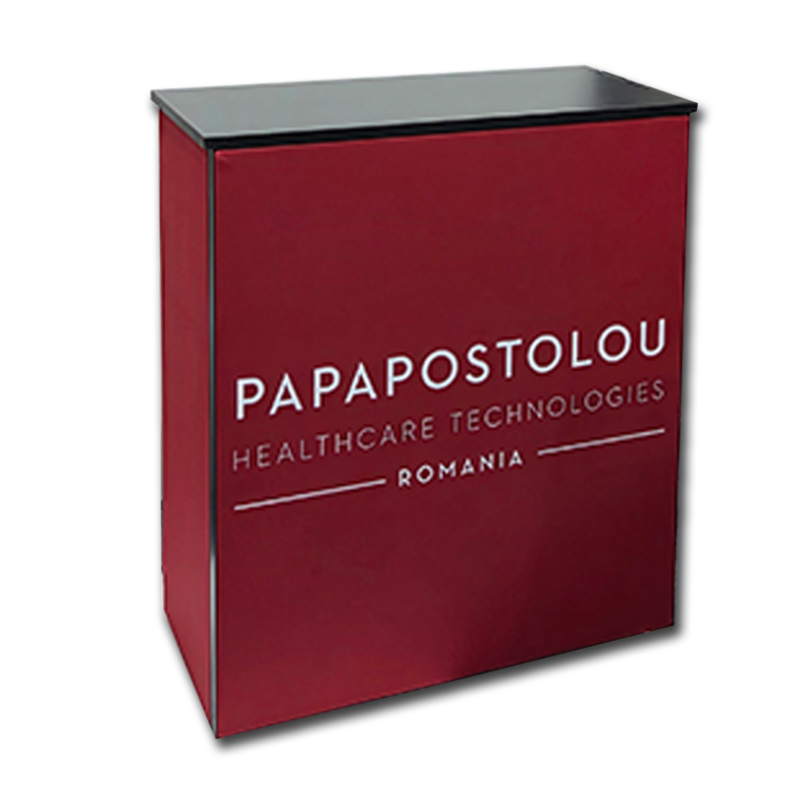
Infodesk with textile print, with a locker for storage space, for advertising and promotion activities
Want us to contact you?

|
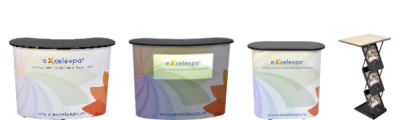
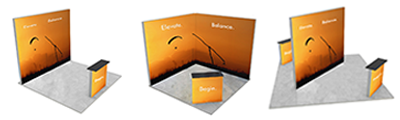
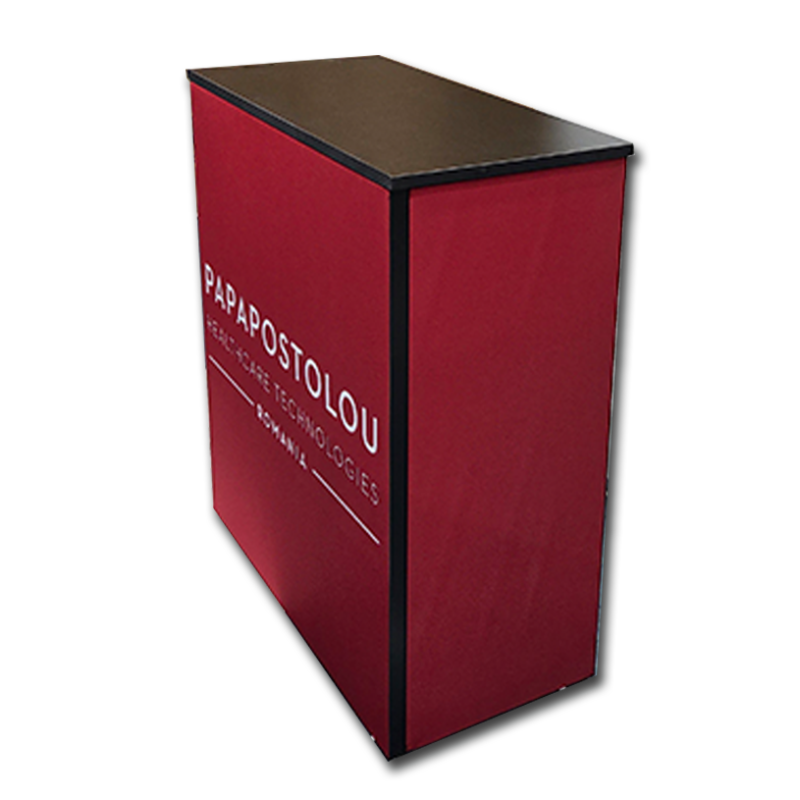
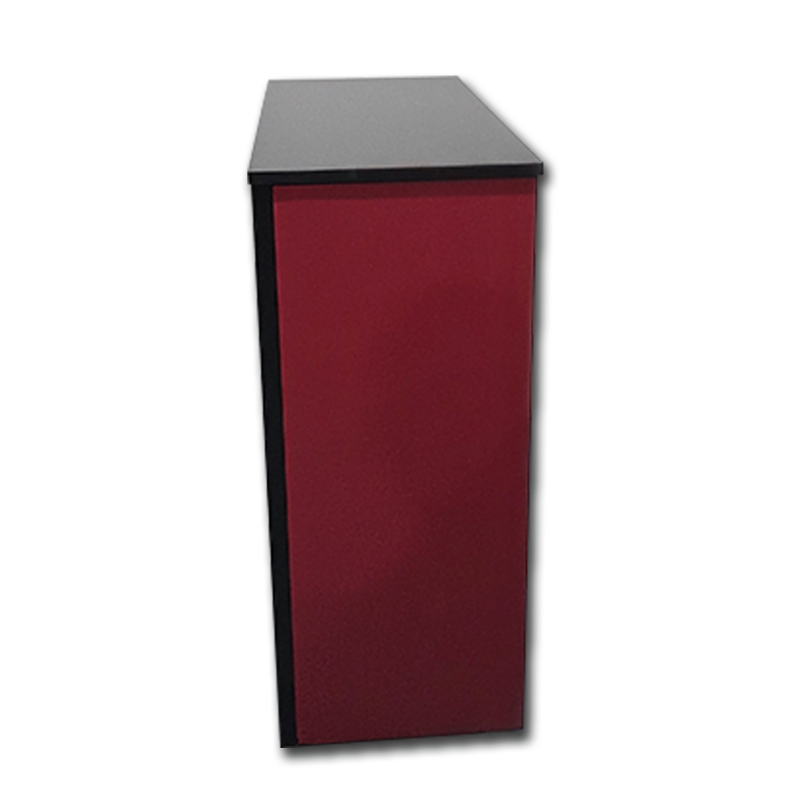
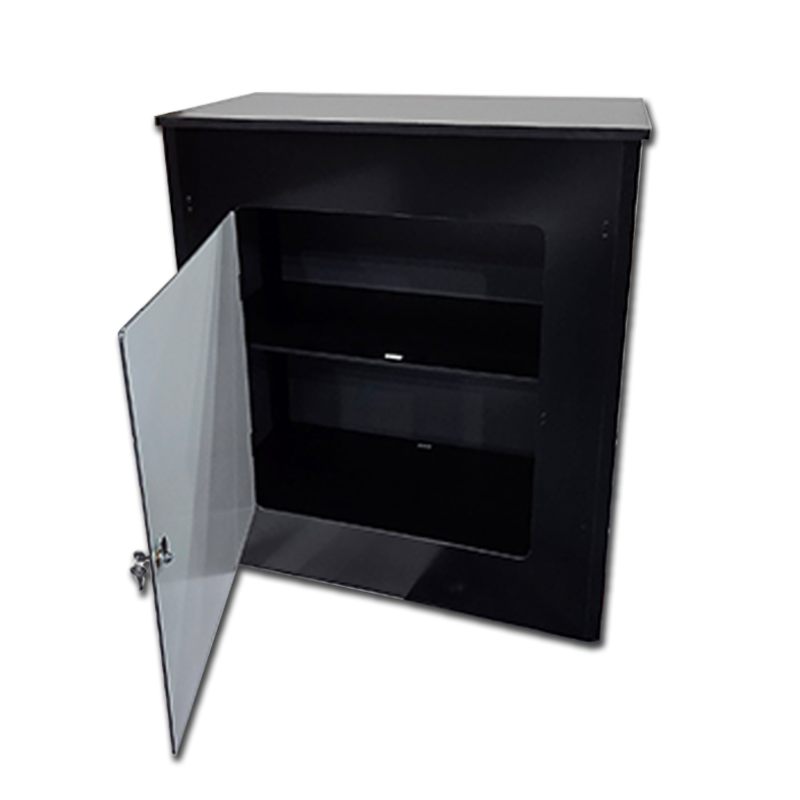
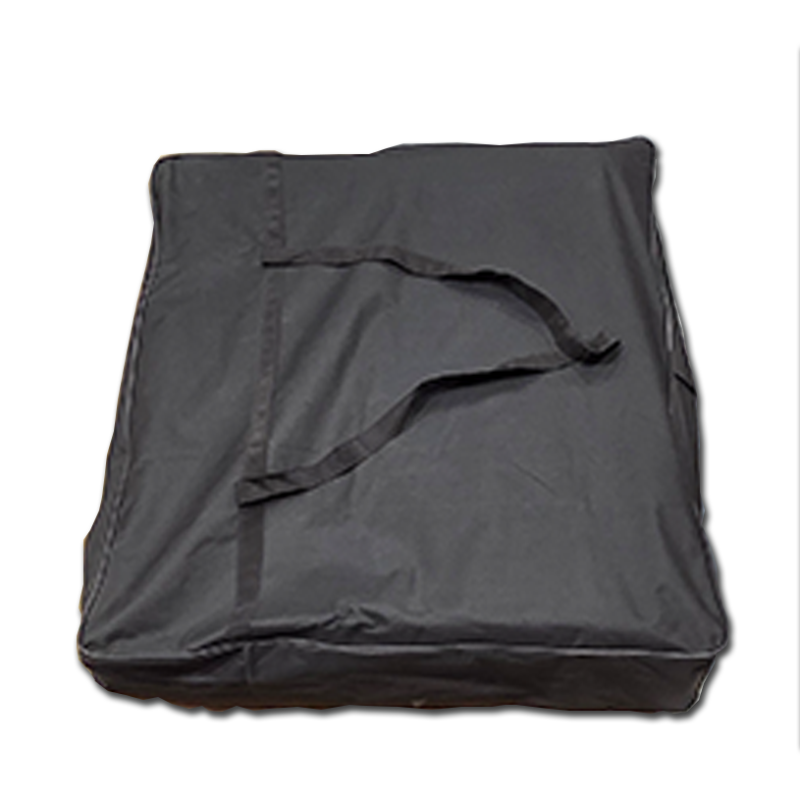
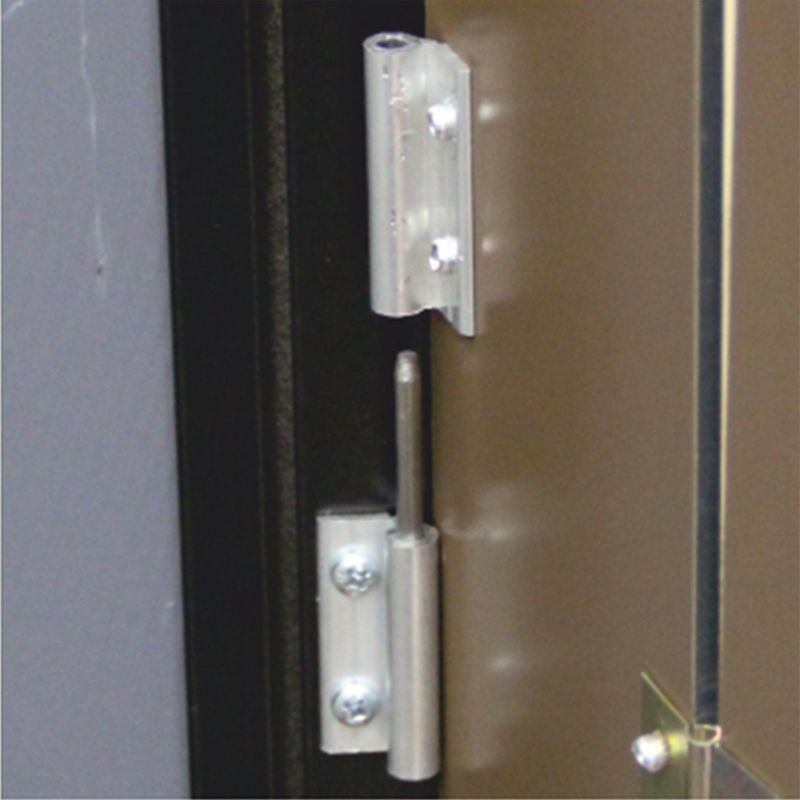
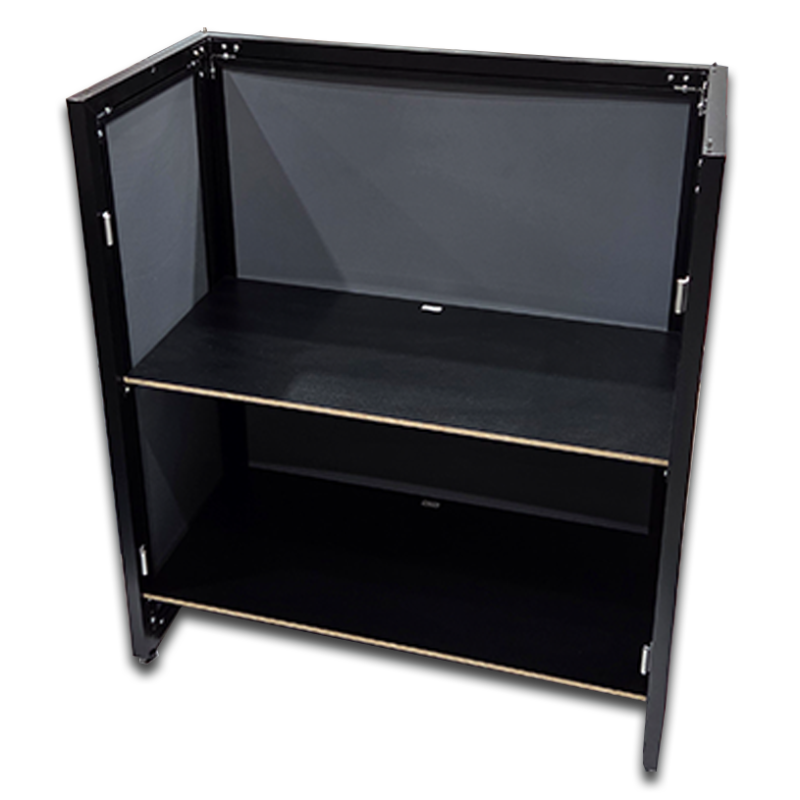
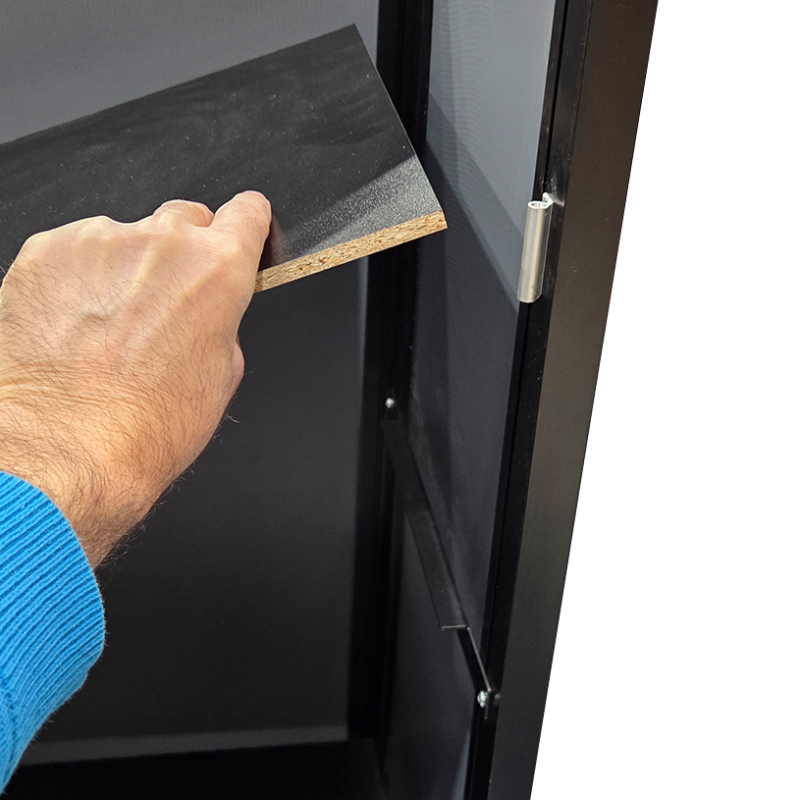
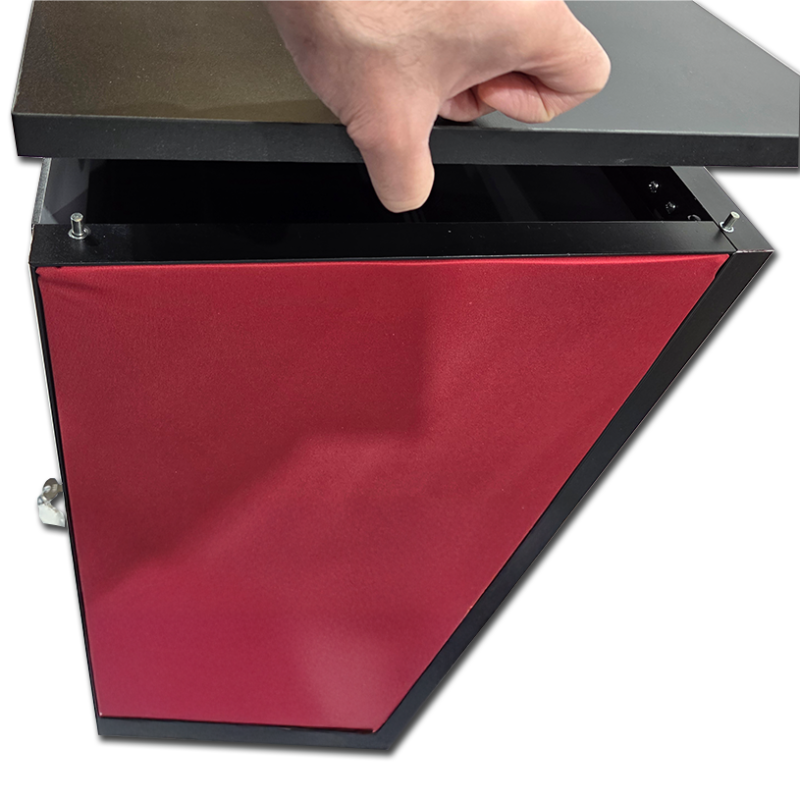
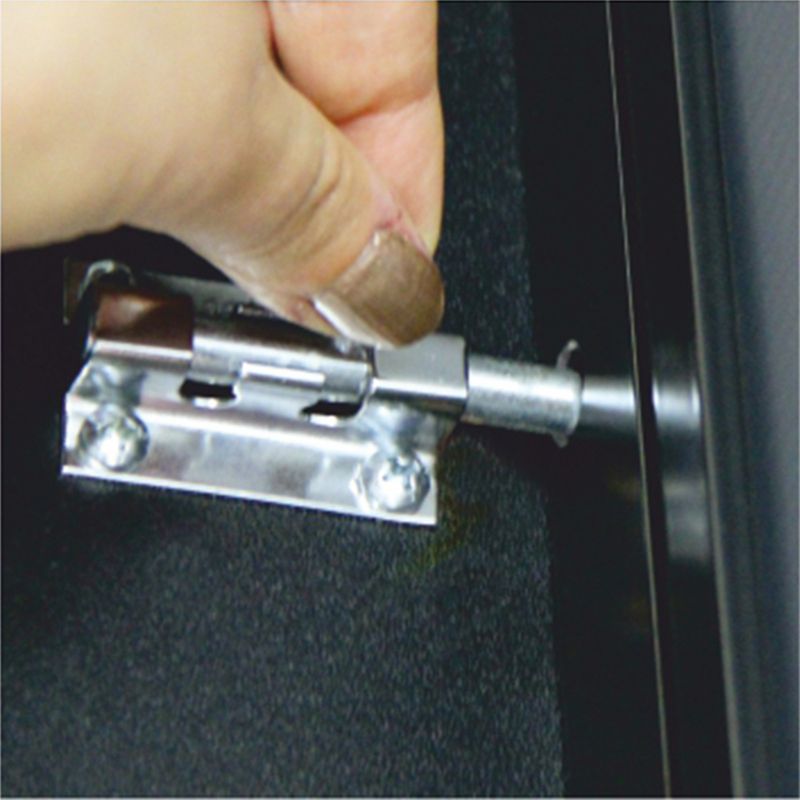
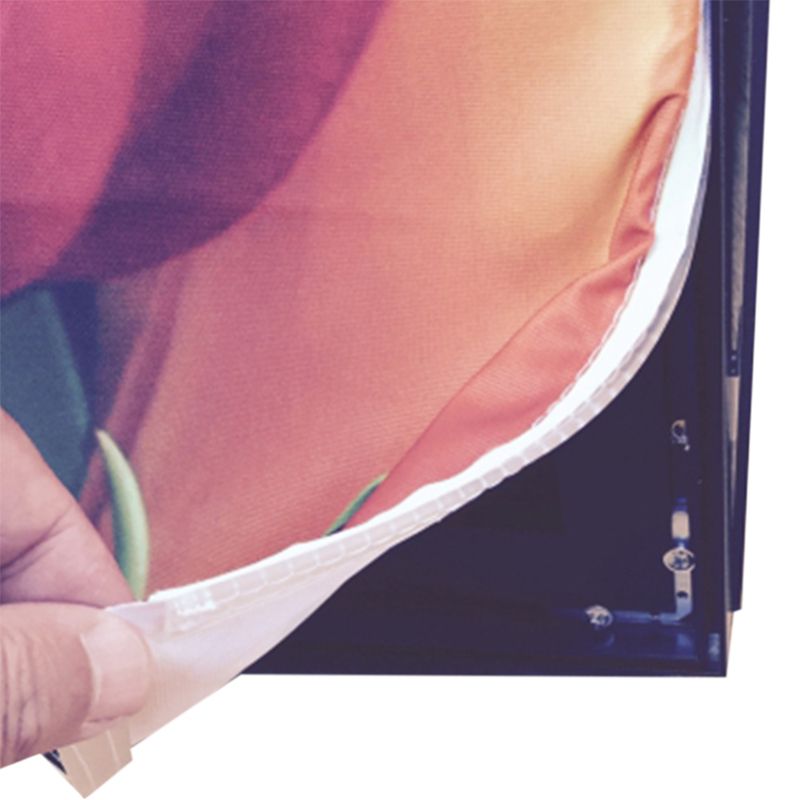
Description: The Desk Textil Pano is a robust, professional counter designed for advertising and promotional activities, distinguishing itself with a solid cabinet-style construction that remains fully portable. Unlike standard pop-up counters, this unit features a sturdy skeleton made of anodized "frameless" aluminum profiles, which supports a heavy-duty 18 mm thick MDF countertop (of 80x36cm) painted in a sleek black finish. The structure creates a fully enclosed workspace, complete with a practical internal shelf and a hinged door and lock, allowing for secure and concealed storage of stock, brochures, or personal items during events. The visual branding is achieved through high-definition textile prints that cover the front and side panels. These graphics are produced at 1440 dpi using environmentally friendly, odorless, and solvent-free inks, ensuring vibrant and sharp imagery. The textile panels are finished with silicone strips along the perimeter, which fit precisely into the aluminum frame's shafts to create a taut, wrinkle-free appearance. Despite its solid build (weighing 25 kg), the entire system is foldable and can be assembled in approximately five minutes without the need for tools, packing away neatly into an included textile carrying bag. |
|
Advantages: Its maintenance is superior to rigid board counters, as the textile graphics are washable at 40 degrees Celsius, allowing for easy cleaning if soiled during an event. Additionally, the interchangeable nature of the SEG graphics makes rebranding cost-effective, as users only need to replace the graphic rather than the entire hardware. |
| Graphics: material: printed textile / graphic layout size: front 1 x L: 80cm; H: 90cm and sides 2 x L: 36 cm; H: 90cm |
| Dimensions: assembled product: L: 82cm; H: 93cm; W: 39 cm |
| Package: wrapping: textile bag and cardboard / package size: L: 102cm; H: 85cm; W: 19cm (system with graphics) / weight: 26 Kg (system with graphics) |
| File | Info |
|---|---|
 [en] IN090 - Infodesk Desk Textil Pano - Graphic Specifications
|
[PDF, 461.81 KB] |
|
[ro] IN090 - Desk Textil Pano - Instructiuni realizare macheta
|
[PDF, 471.97 KB] |
Graphic layout
If you choose a product or an option that includes graphics/print, we will need a file with the graphic layout to complete the order. You can find the graphic specifications and templates for the product of interest in the "Instructions" tab from the product description, or you can ask them from your Sales Representative.
Also, if you want us to create the graphic layout you can place an order on the website choosing SE020 - DTP services (/working hour) or you can send us an e-mail at sales@excelexpo.ro with instructions and all the necessary details (logo, text, pictures, etc.). Later, the Sales Representative will return with a price quotation.
If you already have the graphics/print or intend to produce and install by yourself, for compatibility, please compare in advance its size and features with those mentioned in the product description and in the graphic specifications file.
The graphic specifications of the layout are as follows:
• total dimensions: depending on the product; check the field "graphic layout size" in the detailed description of each product,
• the artwork should be built as one file, without bleed/trimming marks,
• scale: 1:1,
• file format: TIFF, JPG, PDF, CDR, EPS, PSD, AI - we recommend TIFF,
• color mode: RGB, CMYK or RGB, CMYK si Pantone combinations (only in PDF or AI files),
• picture resolution of a minimum of 72 dpi. We recommend you send the file with a resolution of 150 dpi or higher,
• all Corel Draw files must have fonts converted to outlines (if graphics are sent in this format),
• we recommend using the LZW compression when exporting TIFF files (if the graphic is sent in this format).
The graphic layout can be sent using one of the following options:
• by e-mail (for files up to 10 MB)
• by a web file hosting service (such as www.wetransfer.com, etc.).
Please note the name of the Company and Product you want to customize in the file name. Also, please mention in the order the way you choose to send the layouts. Due to informatics virus risks, we are not able to receive layouts by stick USB, external HDD, DVD, CD, etc.
Please consider the following:
• Files sent without a previous order will not be taken into consideration.
• Excelexpo uses the files only to produce the prints/graphics. Your files are kept for a maximum of 30 days from receipt, after which they will be deleted.
• Please take into consideration that the colors of the graphics may slightly differ from the colors on your monitor or on other promotional materials, due to factors such as the type of material to be printed, the ink type, print technology, your monitor calibration, etc. Therefore, we recommend all clients request in advance a FREE print sample (the cost of sending the sample is on the client's account). The request must be sent with the order or after, but BEFORE sending the layout. Excelexpo cannot comply with requests received after starting to produce the graphics!
• Please check the layouts carefully before sending or approving them for print. Sending the layout implies that you agree that the file is final and correct, complete, and good to print. Excelexpo cannot be held responsible for the content, form, quality, and resolution of the sent and approved layouts.
• The client is responsible for compliance with the legal provision of intellectual, industrial, and copyright property rights (invention, innovation, brand, industrial design, logo, name, copyright, etc.) regarding the ordered products and/or their graphics; irrespective of who designed the layout: the client, Excelexpo or others.
Delivery details
The products are available for delivery after the production period. The estimated production time is mentioned in the “Production" field.
Delivery fee:
- the delivery fee is at the courier company's rate. For orders placed on the website, the delivery fee is automatically calculated based on the weight after the delivery address is entered.
- for orders placed by email or telephone, the fee will be communicated in the quotation or order confirmation.
- alternatively, the client may choose to collect the products from the Excelexpo location, either directly or by their own courier company, during working hours (L-V: 09:00 – 17:30).
- for the rented products, the delivery fee applies for round-trip deliveries.
Delivery time:
- 1-2 working days, from the date of the products' completion for locations in Romania, outside Bucharest,
- 2-5 working days, from the date of the products' completion for locations in the European Union, depending on the country of destination.
For details, please access Excelexpo Delivery Terms.
Who it’s for
The Desk Textil Pano is designed for professionals requiring a robust, portable, and branded workstation for various promotional activities.
- Event Marketers and Exhibition Managers will find this counter ideal for creating a distinguished brand presence at trade shows, conventions, and product launches. It addresses their need for secure, concealed storage for brochures, product samples, and personal items within a professional-looking, yet easily transportable, structure.
- Pop-up Shop Owners and Retail Promoters benefit from its quick assembly and secure internal shelf, making it a functional and lockable point-of-sale or product display for temporary retail spaces and promotional kiosks. The interchangeable graphics support cost-effective rebranding for seasonal campaigns.
- Brand Ambassadors and Field Sales Teams value its portability and solid construction, providing a reliable mobile workstation for product demonstrations, customer engagement, or lead generation in diverse public settings. The lockable storage offers a practical solution for securing devices, inventory, or personal effects.
Key features
Here are the key features for the Desk Textil Pano:
- Robust & Portable Structure: Features a sturdy skeleton of anodized "frameless" aluminum profiles, weighing 25 kg, designed for quick assembly in approximately five minutes without tools.
- Integrated Secure Storage: Offers a fully enclosed workspace with a practical internal shelf, complete with a hinged door and lock for secure concealment of items during events.
- Durable Workstation Countertop: Equipped with a heavy-duty 18 mm thick MDF countertop, measuring 80x36cm, providing a stable and professional surface for interactions.
- High-Definition Textile Graphics: Utilizes high-definition textile prints produced at 1440 dpi with environmentally friendly, solvent-free inks, covering a front graphic area of 80x90cm and two side panels of 36x90cm for impactful branding.
- Wrinkle-Free SEG System: Incorporates textile panels finished with silicone strips (SEG graphics) that fit precisely into the aluminum frame, ensuring a taut, wrinkle-free display appearance.
- Easy Maintenance & Rebranding: The interchangeable textile graphics are washable at 40 degrees Celsius for convenient cleaning and allow for cost-effective rebranding by only replacing the visual panels.
- Compact Transport Solution: The entire system, including graphics, packs neatly into an included textile carrying bag, with a package size of 102x85x19cm for convenient transport and storage.
Unique differentiators
The Desk Textil Pano stands out in the realm of portable promotional counters by merging the robust functionality of permanent furniture with the essential flexibility of a display system. This innovative design offers distinct advantages over conventional pop-up or rigid board counters, providing a more professional and practical solution for events and advertising activities.
Key differentiators that set the Desk Textil Pano apart include:
- Secure, Enclosed Workstation: Unlike most standard portable counters, the Desk Textil Pano features a fully enclosed cabinet-style construction, complete with a practical internal shelf and a hinged door with a lock. This unique design offers secure and concealed storage for merchandise, brochures, or personal items, transforming a simple podium into a functional, secure workstation for any event.
- Heavy-Duty, Professional-Grade Construction: Built with a sturdy skeleton of anodized "frameless" aluminum profiles, this counter supports a substantial 18 mm thick MDF countertop (80x36cm) in a sleek black finish. This provides a significantly more stable and durable work surface than the thinner, less robust tops typically found on lighter portable systems, ensuring a professional appearance and longevity.
- Superior Graphic Quality & Maintenance: Visual branding is achieved through high-definition textile prints at 1440 dpi, produced with environmentally friendly, odorless, and solvent-free inks for vibrant, crisp imagery. A key benefit for long-term use is the washable nature of the textile graphics (at 40°C), offering superior ease of maintenance compared to rigid board graphics. The interchangeable SEG (Silicone Edge Graphic) system also enables cost-effective rebranding, as users only need to replace the graphic panels, not the entire hardware structure.
- Rapid, Tool-Free Assembly with Furniture Aesthetic: Despite its robust build and 25 kg weight, the entire system is designed for exceptional portability, assembling in approximately five minutes without the need for any tools. It then conveniently folds and packs into an included textile carrying bag, delivering the sophisticated appearance of permanent furniture with the unmatched convenience of rapid deployment and transport.
This combination of secure storage, robust construction, high-quality adaptable graphics, and user-friendly portability makes the Desk Textil Pano a leading choice for professionals seeking a premium, functional, and durable promotional counter.
Comparison Table: Desk Textil Pano vs. Standard Alternatives
| Metric | Desk Textil Pano | Standard Alternatives (e.g., Pop-Up Counters, Rigid Board Counters) |
|---|---|---|
| Storage & Security | Fully enclosed cabinet with internal shelf, hinged door, and lock | Typically open-backed, limited or no secure storage |
| Graphic Maintenance & Rebranding | Washable textile (40°C), interchangeable SEG graphics for cost-effective updates | Rigid boards often not washable, require full panel replacement for rebranding |
| Countertop & Frame Durability | Heavy-duty 18mm MDF countertop, anodized "frameless" aluminum frame | Lighter plastic/PVC structures, thinner or less robust countertops |
Why this product
Why This Product?
Are you tired of flimsy promotional counters that look temporary and offer no secure storage? Traditional display desks often lack the stability and professional appearance needed to make a strong impression at events, leaving your materials vulnerable and your workspace unorganized. This can detract from your brand's image.
The Desk Textil Pano transforms your event presence with a robust, permanent-furniture look. Its sturdy aluminum profile skeleton and heavy-duty 18 mm MDF countertop provide exceptional stability. This ensures your display always appears professional and steadfast, creating a reliable focal point for your brand.
Unlike typical pop-up counters, this unit boasts anodized "frameless" aluminum profiles, a sign of superior engineering. Coupled with an 18 mm thick MDF countertop, it guarantees a solid, stable foundation for all your promotional needs, enduring the demands of frequent use.
Beyond just a display, the Desk Textil Pano offers a fully enclosed workspace. It features a practical internal shelf, complete with a hinged door and lock. This innovative design allows you to securely conceal stock, brochures, or personal items, transforming your counter into a functional workstation.
Your brand visuals will shine with high-definition textile prints, produced at 1440 dpi using environmentally friendly, odorless, solvent-free inks. These silicone-edged graphics (SEG) ensure a taut, wrinkle-free display. Plus, they are washable at 40°C, offering superior, cost-effective maintenance and rebranding options compared to rigid panels.
Frequently Asked
Frequently Asked Questions about Desk Textil Pano
How do I assemble the Desk Textil Pano?
Question: How do I assemble the Desk Textil Pano? -> Answer: Assembling the Desk Textil Pano is a tool-free process designed for speed. The entire system is foldable and can be set up in approximately five minutes, then packed away neatly into the included textile carrying bag. This quick setup ensures efficiency for your promotional activities.
What kind of internal storage does the Desk Textil Pano provide?
Question: What kind of internal storage does the Desk Textil Pano provide? -> Answer: The Desk Textil Pano features a fully enclosed internal workspace for secure storage. It includes a practical internal shelf along with a hinged door and lock, allowing for concealed storage of materials such as stock, brochures, or personal items during events.
Can the graphics on the Desk Textil Pano be easily changed for new promotions?
Question: Can the graphics on the Desk Textil Pano be easily changed for new promotions? -> Answer: Yes, the high-definition textile graphics on the Desk Textil Pano are designed for easy interchangeability. These SEG (silicone edge graphics) allow you to cost-effectively update your branding or promotional messages by simply replacing the textile panels without needing new hardware.
How portable is the Desk Textil Pano for transport to different events?
Question: How portable is the Desk Textil Pano for transport to different events? -> Answer: The Desk Textil Pano is designed for high portability despite its sturdy construction. Weighing 26 kg (including graphics), the entire system folds down compacts into an included textile carrying bag. Its quick, tool-free assembly further enhances its suitability for mobile promotional setups.
What are the dimensions of the Desk Textil Pano, and is it suitable for various event spaces?
Question: What are the dimensions of the Desk Textil Pano, and is it suitable for various event spaces? -> Answer: The assembled Desk Textil Pano measures L: 82cm, H: 93cm, and W: 39 cm. Its compact yet functional design, combined with a permanent-furniture look and full portability, makes it suitable for diverse advertising and promotional event spaces requiring a professional counter.