

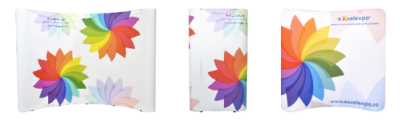
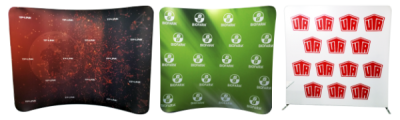


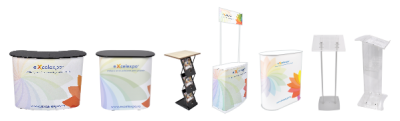
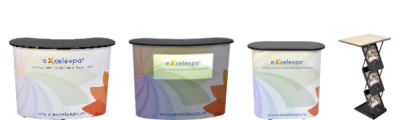
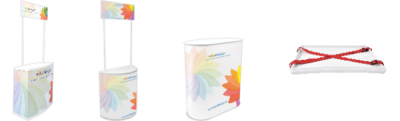







Infodesk eXcel 100
-
Code:IN100-3
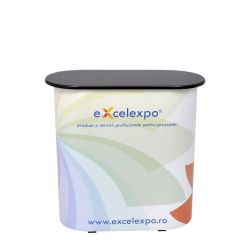
Adjustable exhibition counter / infodesk.
Want us to contact you?


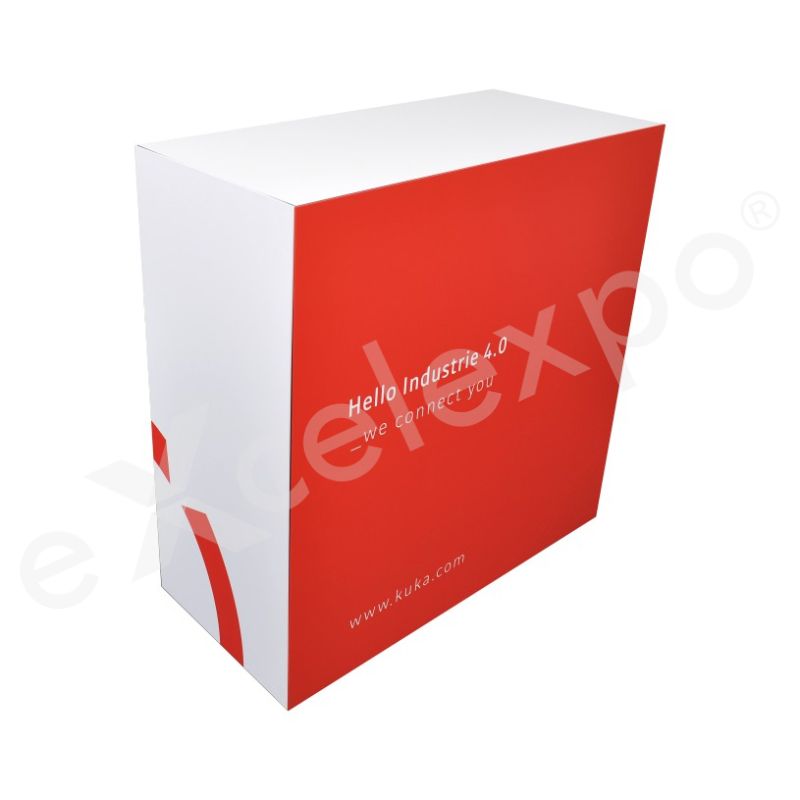
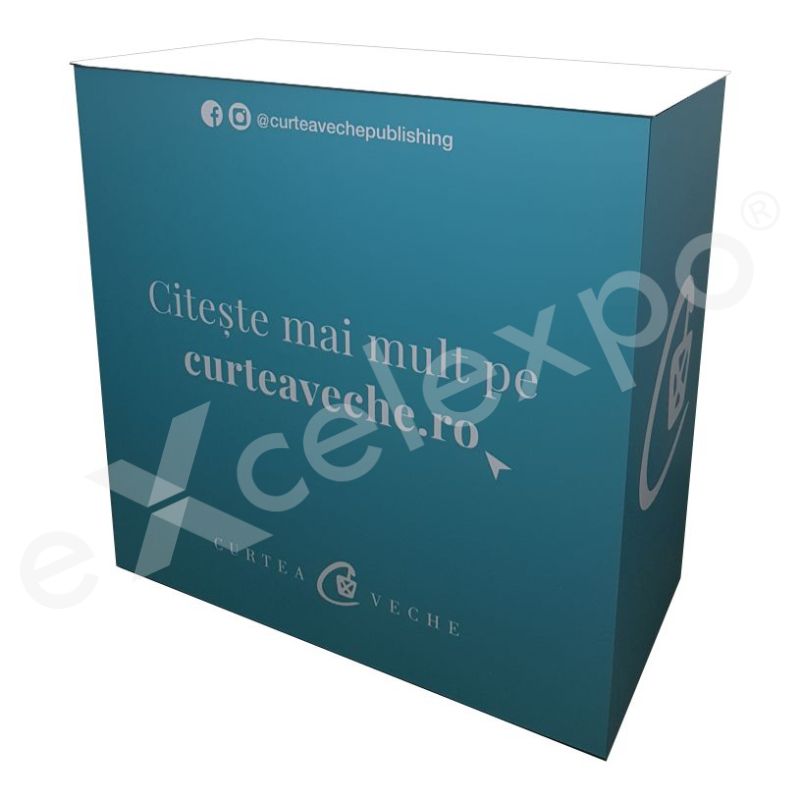
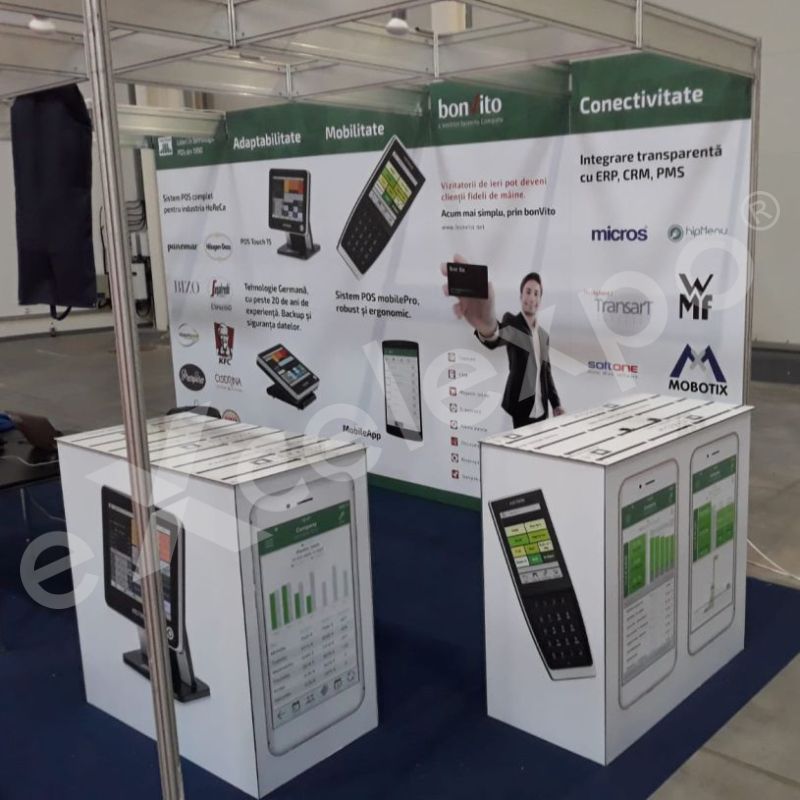
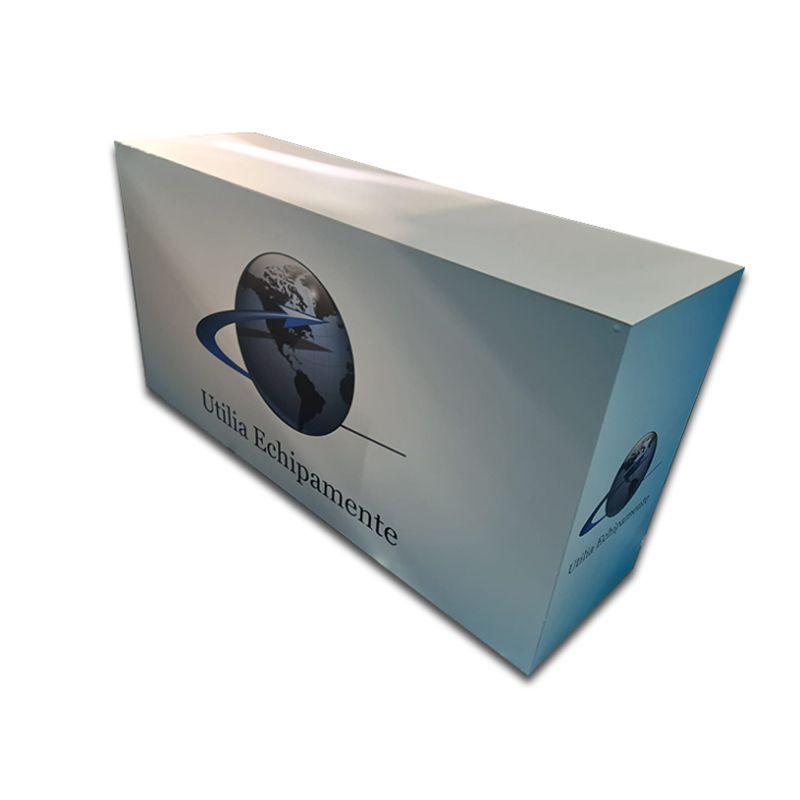
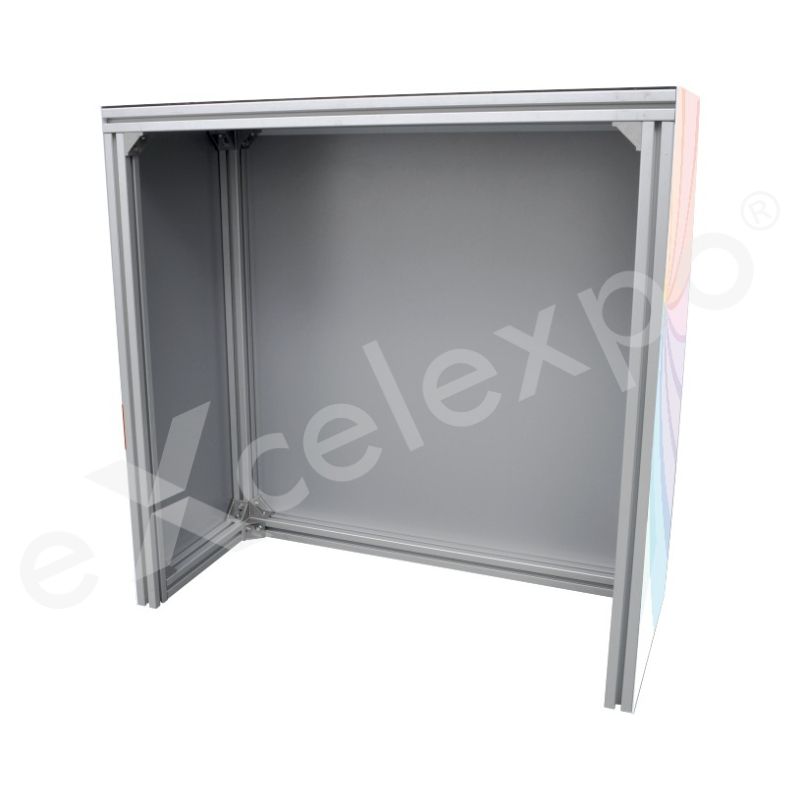
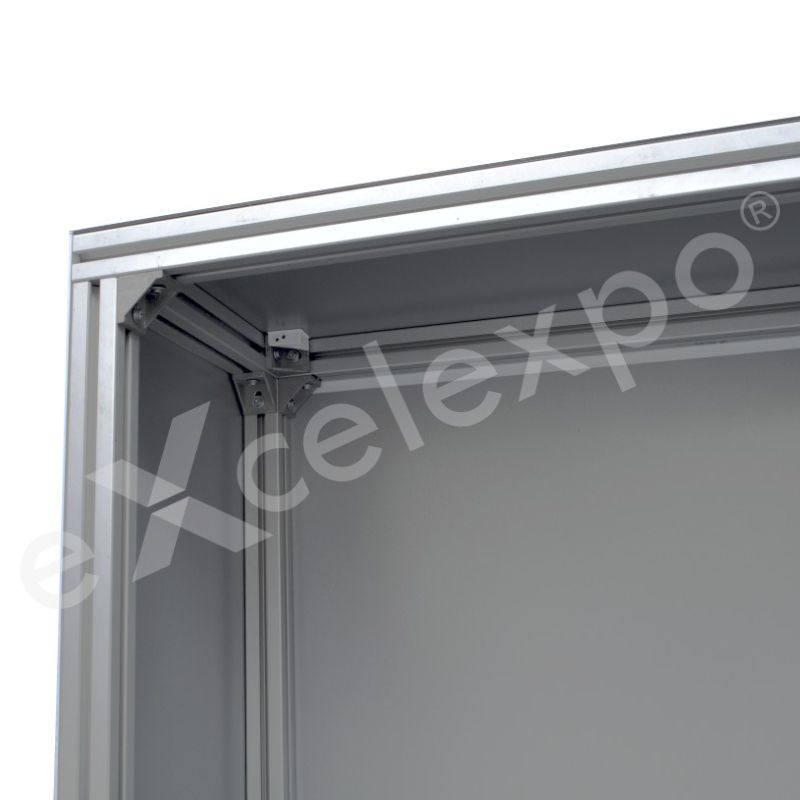
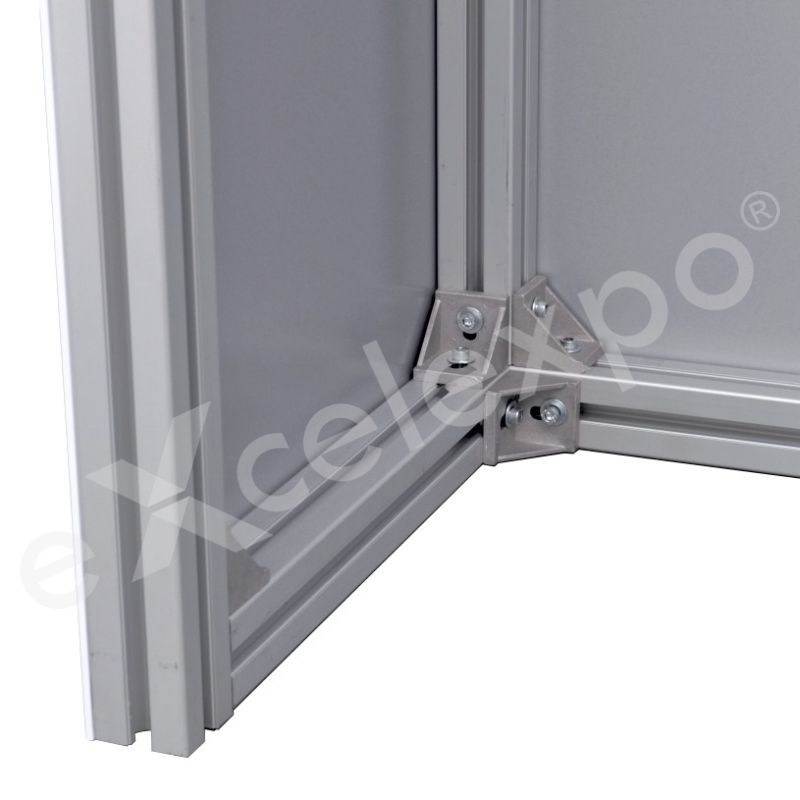
| Description:
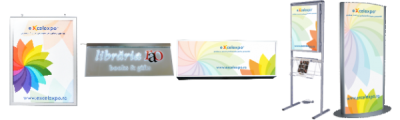
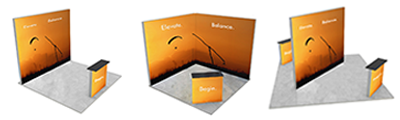
The Infodesk eXcel 100 is a highly robust, custom-built portable counter designed specifically for heavy-duty presentation needs and atypical dimensional requirements at indoor events. Unlike standard pop-up counters, this unit is constructed around a solid metallic structure utilizing the specialized aluminum "eXcel" profile. This frame is clad with durable bond panels (aluminum composite), which are customized with high-resolution printed and laminated self-adhesive vinyl. The result is a substantial, furniture-grade appearance that offers significantly more structural rigidity than fabric or PVC-wrapped alternatives. The countertop is also crafted from bond material, electrostatically painted in a clean white finish, providing a professional and wear-resistant surface for product displays or administrative tasks. For brands requiring specific color schemes, the countertop can be optionally covered with vinyl in a chosen color. The visual branding wraps around the structure, printed at an ultra-sharp 2400 dpi resolution using eco-friendly, odorless inks. This graphic layer is sealed with a protective laminated foil, ensuring it withstands scratches and frequent handling. The entire system weighs 21 kg and is packed securely in bubble foil and cardboard for transport. In the "Instructions" tab you will find Graphic specifications. |
|
Advantages: Its modular aluminum and bond construction not only ensures longevity but also allows for optional upgrades such as internal illumination systems or shelving storage, features often absent or flimsy in lighter models. Additionally, the ability to produce this desk in custom atypical dimensions offers flexibility for unique exhibition spaces where standard furniture simply won't fit. |
| Graphics: material: printed and laminated self adhesive vinyl / graphic layout size: L: 206 (52+102+52) cm; H: 102cm |
| Dimensions: assembled product: L: 100cm; H: 100cm; W: 50cm |
| Package: wrapping: bubble folio and cardboard / package size: L: 105cm; H: 105cm; W: 20cm (system with graphics) / weight: 21Kg (system with graphics) |
| File | Info |
|---|---|
 [en] IN100 - Infodesk eXcel 100 - Graphic specifications
|
[PDF, 1.82 MB] |
|
[ro] IN100 - Infodesk eXcel 100 - Instructiuni realizare macheta
|
[PDF, 1.84 MB] |
Graphic layout
If you choose a product or an option that includes graphics/print, we will need a file with the graphic layout to complete the order. You can find the graphic specifications and templates for the product of interest in the "Instructions" tab from the product description, or you can ask them from your Sales Representative.
Also, if you want us to create the graphic layout you can place an order on the website choosing SE020 - DTP services (/working hour) or you can send us an e-mail at sales@excelexpo.ro with instructions and all the necessary details (logo, text, pictures, etc.). Later, the Sales Representative will return with a price quotation.
If you already have the graphics/print or intend to produce and install by yourself, for compatibility, please compare in advance its size and features with those mentioned in the product description and in the graphic specifications file.
The graphic specifications of the layout are as follows:
• total dimensions: depending on the product; check the field "graphic layout size" in the detailed description of each product,
• the artwork should be built as one file, without bleed/trimming marks,
• scale: 1:1,
• file format: TIFF, JPG, PDF, CDR, EPS, PSD, AI - we recommend TIFF,
• color mode: RGB, CMYK or RGB, CMYK si Pantone combinations (only in PDF or AI files),
• picture resolution of a minimum of 72 dpi. We recommend you send the file with a resolution of 150 dpi or higher,
• all Corel Draw files must have fonts converted to outlines (if graphics are sent in this format),
• we recommend using the LZW compression when exporting TIFF files (if the graphic is sent in this format).
The graphic layout can be sent using one of the following options:
• by e-mail (for files up to 10 MB)
• by a web file hosting service (such as www.wetransfer.com, etc.).
Please note the name of the Company and Product you want to customize in the file name. Also, please mention in the order the way you choose to send the layouts. Due to informatics virus risks, we are not able to receive layouts by stick USB, external HDD, DVD, CD, etc.
Please consider the following:
• Files sent without a previous order will not be taken into consideration.
• Excelexpo uses the files only to produce the prints/graphics. Your files are kept for a maximum of 30 days from receipt, after which they will be deleted.
• Please take into consideration that the colors of the graphics may slightly differ from the colors on your monitor or on other promotional materials, due to factors such as the type of material to be printed, the ink type, print technology, your monitor calibration, etc. Therefore, we recommend all clients request in advance a FREE print sample (the cost of sending the sample is on the client's account). The request must be sent with the order or after, but BEFORE sending the layout. Excelexpo cannot comply with requests received after starting to produce the graphics!
• Please check the layouts carefully before sending or approving them for print. Sending the layout implies that you agree that the file is final and correct, complete, and good to print. Excelexpo cannot be held responsible for the content, form, quality, and resolution of the sent and approved layouts.
• The client is responsible for compliance with the legal provision of intellectual, industrial, and copyright property rights (invention, innovation, brand, industrial design, logo, name, copyright, etc.) regarding the ordered products and/or their graphics; irrespective of who designed the layout: the client, Excelexpo or others.
Delivery details
The products are available for delivery after the production period. The estimated production time is mentioned in the “Production" field.
Delivery fee:
- the delivery fee is at the courier company's rate. For orders placed on the website, the delivery fee is automatically calculated based on the weight after the delivery address is entered.
- for orders placed by email or telephone, the fee will be communicated in the quotation or order confirmation.
- alternatively, the client may choose to collect the products from the Excelexpo location, either directly or by their own courier company, during working hours (L-V: 09:00 – 17:30).
- for the rented products, the delivery fee applies for round-trip deliveries.
Delivery time:
- 1-2 working days, from the date of the products' completion for locations in Romania, outside Bucharest,
- 2-5 working days, from the date of the products' completion for locations in the European Union, depending on the country of destination.
For details, please access Excelexpo Delivery Terms.
Who it’s for
The Infodesk eXcel 100 is designed for businesses and exhibitors requiring a robust, professional-grade counter for indoor events.
- Exhibitors with Heavy Product Samples: This counter is ideal for professionals showcasing substantial or weighty items like industrial equipment models, large electronics, or extensive literature catalogs that would overwhelm standard pop-up displays. Its superior load-bearing capacity and solid metallic structure ensure stability and security, eliminating concerns about wobbling or collapse.
- Marketing & Brand Managers: Perfect for brands that demand a premium, furniture-grade appearance and highly customizable branding at trade shows or promotional events. The durable bond panels with high-resolution, laminated graphics offer a professional aesthetic and resilience, while optional custom dimensions cater to specific booth layouts.
- Event Planners & Retail Showroom Designers: Suited for those needing a durable, adaptable display solution that offers longevity and functional flexibility. Its modular construction allows for potential upgrades like internal illumination or shelving, providing a versatile and professional counter for diverse indoor presentation needs.
Key features
Here is a list of 'Key Features' for the Infodesk eXcel 100, optimized for ecommerce and AI summarization:
- Reinforced Structural Framework: Constructed with a solid metallic frame featuring the specialized aluminum "eXcel" profile, this robust design is clad in durable aluminum composite panels to deliver superior structural rigidity for demanding presentations, with an assembled footprint of 100 cm (L) x 50 cm (W).
- High-Resolution Brand Graphics: The entire structure is wrapped with customized, laminated self-adhesive vinyl, featuring ultra-sharp 2400 dpi printing using eco-friendly inks, covering a substantial graphic layout size of 206 cm (L) x 102 cm (H) for maximum visual impact and brand messaging.
- Durable Countertop Surface: A professional-grade countertop, crafted from bond material and electrostatically painted in a clean white finish, provides a highly wear-resistant and stable surface measuring 100 cm (L) by 50 cm (W) for displaying products or performing administrative tasks.
- Adaptive Modular System: Designed with modular aluminum and bond construction, this counter supports optional internal illumination systems or shelving storage for enhanced functionality and can be produced in custom atypical dimensions, offering versatility beyond its standard 100 cm (L) x 100 cm (H) x 50 cm (W) assembled size.
- Optimized for Portability & Protection: The entire system, weighing 21 kg with graphics included, is securely packed in bubble foil and cardboard, ensuring safe transport and compact storage within its package dimensions of 105 cm (L) x 105 cm (H) x 20 cm (W).
Unique differentiators
The Infodesk eXcel 100 stands out in the portable counter market due to its robust, furniture-grade construction and unparalleled adaptability, making it the preferred choice for demanding event environments. Unlike standard pop-up counters, this unit is built around a solid metallic 'eXcel' aluminum profile, clad with durable bond panels. This design delivers significantly more structural rigidity and a superior load-bearing capability, explicitly supporting heavy or bulky display items that would compromise lighter alternatives.
Its custom-built nature allows for the production of atypical dimensions, providing unique flexibility for exhibition spaces where conventional furniture may not fit. Furthermore, the modular aluminum and bond construction supports optional upgrades such as internal illumination or shelving storage systems, features typically absent or flimsy in standard models. Visual branding is rendered at an ultra-sharp 2400 dpi resolution using eco-friendly, odorless inks, and then sealed with a protective laminated foil, ensuring exceptional durability against scratches and frequent handling.
| Feature | Infodesk eXcel 100 | Standard Alternatives |
|---|---|---|
| Structural Integrity & Load Capacity | Solid metallic 'eXcel' aluminum frame with bond panels, offering superior load-bearing for heavy items. | Typically fabric or PVC-wrapped frames with limited load capacity, prone to wobbling. |
| Customization & Expandability | Modular design allows custom atypical dimensions and optional upgrades like internal illumination or shelving. | Fixed dimensions with little to no modularity or upgrade potential. |
| Visual Durability & Resolution | Ultra-sharp 2400 dpi graphics with protective laminated foil for scratch resistance and longevity. | Often lower resolution graphics without robust protective lamination, susceptible to wear. |
Why this product
Many event counters falter under pressure, wobbling or collapsing when supporting substantial products or extensive literature. Standard pop-up solutions often lack the stability required for a professional presentation, leaving you concerned about display integrity and brand image at your indoor events or trade shows.
The Infodesk eXcel 100 solves this with its robust, furniture-grade construction. Crafted around a solid metallic frame using the specialized "eXcel" aluminum profile, it provides exceptional stability. This ensures your heavy machinery samples, large monitors, or extensive catalogs are displayed securely and professionally at any exhibition or fair.
Its structural integrity comes from durable aluminum composite bond panels that clad the frame, offering significantly more rigidity than fabric or PVC alternatives. This robust build, explicitly recommended for situations requiring the support of heavy or bulky items, gives you a dependable presentation solution that stands firm.
Beyond strength, the Infodesk eXcel 100 elevates your brand's presence. Its countertop, made from wear-resistant bond material, can be optionally covered in custom vinyl. Your visual branding is printed at an ultra-sharp 2400 dpi with eco-friendly, odorless inks, then sealed with protective laminated foil for scratch resistance.
This modular display stand design extends to custom atypical dimensions, providing flexibility for unique exhibition spaces. Unlike lighter models, it also allows for optional upgrades like internal illumination or shelving storage, adapting to your evolving display needs. The entire system weighs 21 kg, signifying its substantial quality and durability.
Frequently Asked
Frequently Asked Questions about the Infodesk eXcel 100
How do I transport the Infodesk eXcel 100 to an event?
The Infodesk eXcel 100 is designed for secure transport, packed within bubble foil and cardboard. Weighing 21 kg, its package dimensions are a manageable 105 cm (L) x 105 cm (H) x 20 cm (W). This ensures it can be safely and efficiently moved to your indoor event location.
What types of items can I confidently display on the Infodesk eXcel 100?
The Infodesk eXcel 100 is specifically built with superior load-bearing capability. You can confidently display heavy machinery samples, large monitors, or substantial stacks of catalogs without concern. Its robust construction ensures stability, unlike standard pop-up counters which might wobble.
What materials are used in the construction of the Infodesk eXcel 100?
The Infodesk eXcel 100 features a solid metallic structure made from an aluminum "eXcel" profile. It is clad with durable aluminum composite bond panels and topped with an electrostatically painted white bond material countertop. Custom graphics are high-resolution printed and laminated self-adhesive vinyl.
Can the Infodesk eXcel 100 be customized in terms of branding and dimensions?
Yes, the Infodesk eXcel 100 offers significant customization. Its graphics are personalized with high-resolution (2400 dpi) printed and laminated vinyl that wraps around the structure. The bond countertop can also be optionally covered with vinyl in a chosen color, and the unit itself can be custom-built to atypical dimensions.
What are the assembled dimensions of the Infodesk eXcel 100?
The Infodesk eXcel 100, once assembled, measures 100 cm in length, 100 cm in height, and 50 cm in width. This provides a substantial and furniture-grade presence for your presentations. Its robust design allows for optimal use in various indoor event spaces.